






 Oliver
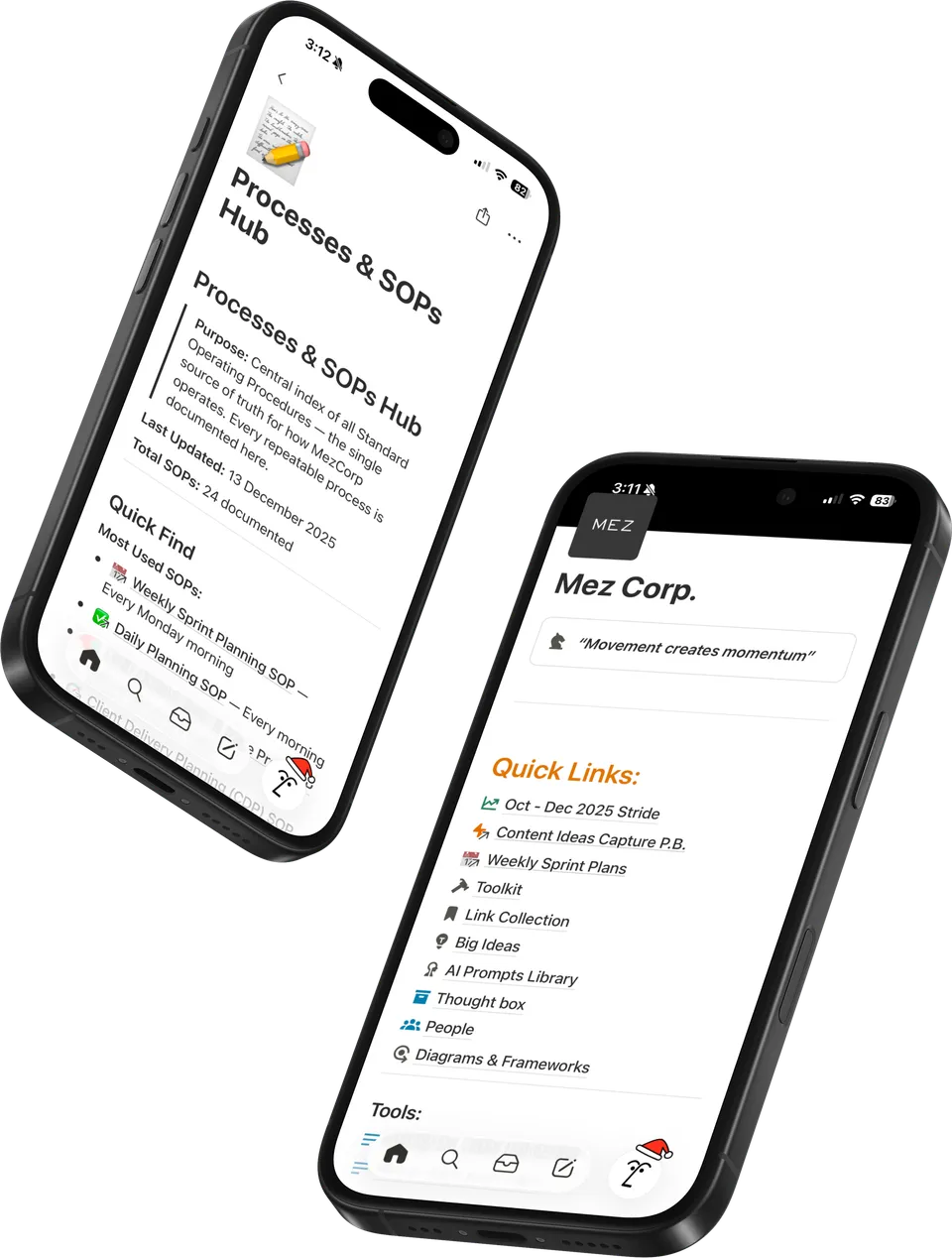
Main dashboard
Your projects, tasks, clients and content. One place to start.
AI OS For Notion
A ready-made Notion workspace that connects your projects, tasks, clients and ideas, so AI can help you plan, write and organise.
one-time
Lifetime AI OS updates
Notion subscriptions and AI usage are separate.
You’re busy before the real work even starts.
Your work
 Notion
 Gmail
Gmail ClickUp
“Where did I save that?”
“I already explained this.”
Doing all the connecting.
 ChatGPT
 Claude
 Gemini
Your AI tools
The AI OS setup guide still needs screenshots.
Your brain dumps, ideas and updates. In your words.
AI OS + Context Engine. Your knowledge and instructions, ready for your AI.
Task
Keep the next step with the project it belongs to.
To do
Tasks in Notion. Ideas in your plan. Replies ready to review.
Your projects, tasks, clients and content. One place to start.
Your business knowledge and working instructions, ready for AI.
Connect your daily priorities and weekly plans to bigger goals.
12 documented workflows for your everyday work.
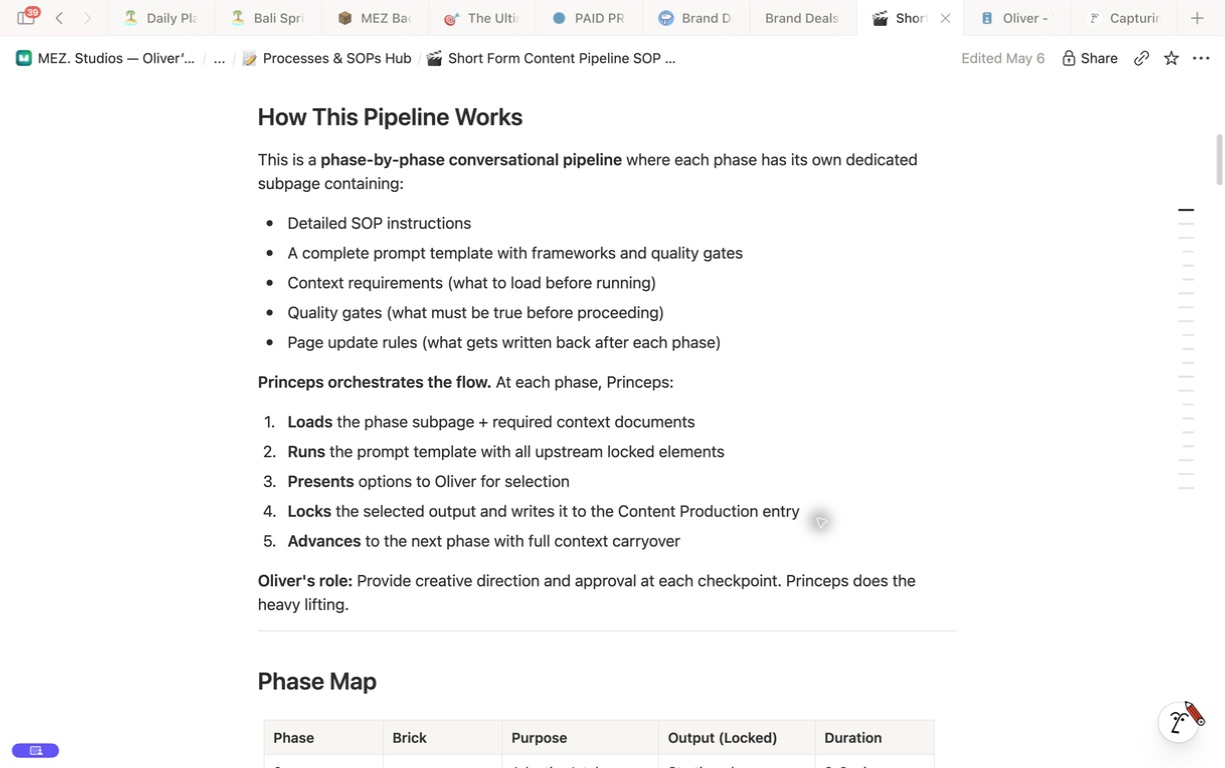
Your process, guided by the context you’ve already saved.
A thought, a topic or a brain dump.
Your ideaVoice mode is the interview, not the system.
A starting point for your next piece.Your voice, saved research and what matters to you.
 Context Engine
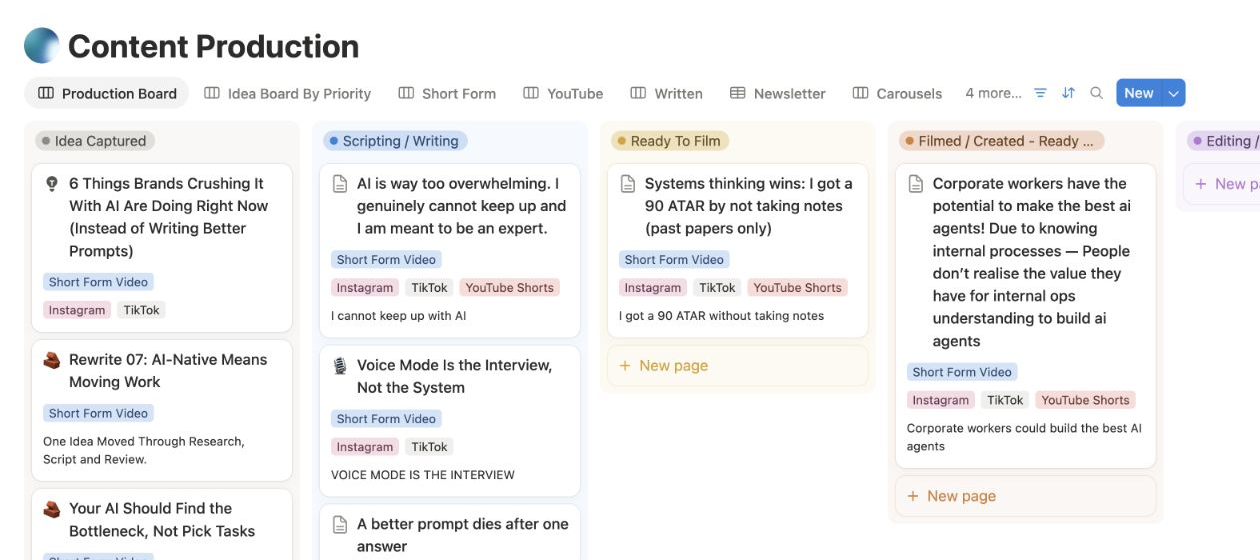
Your content process, step by step.
The brief, progress and next action.
I spent seven and a half years in Notion and hundreds of hours building this, so I could make it as easy as possible for you to actually get understanding out of AI.
It’s the same operating layer the giants run on. Ninety-four percent of the Forbes AI 50, including OpenAI, Figma and Vercel, run on Notion. This is that setup, built for someone running solo.
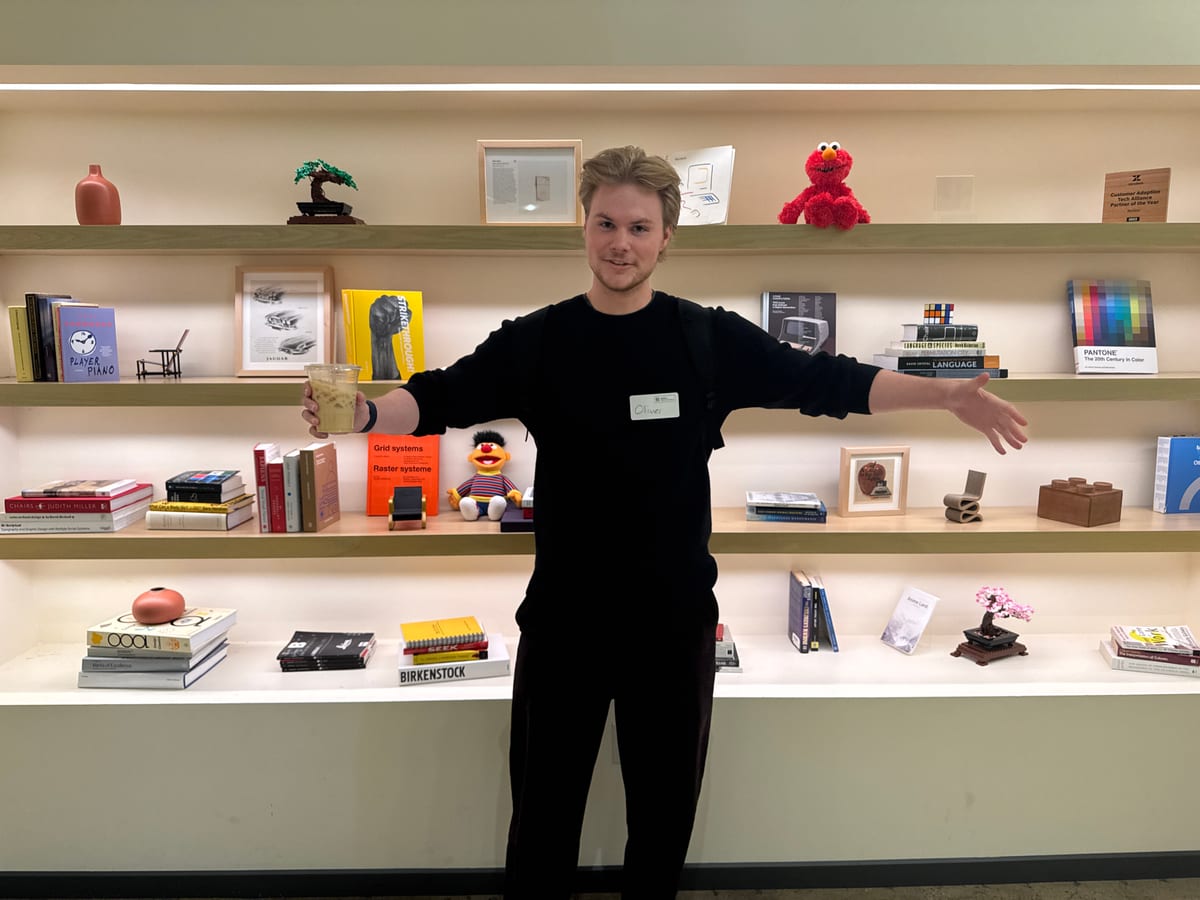
Oliver Merrick, builder of The AI OS
Your connected Notion workspace.
AI OS is a ready-made system you install in Notion. You receive the connected workspace, working instructions and guidance for using AI with it. You use and adapt it inside your own Notion workspace.
The guided Notion AI route does not require coding. You’ll use Notion, provide relevant work and review what AI proposes. The included guides help you get started.
Start with one real project and add more when it is useful. If you already have a workspace, use the installation guidance to decide what to bring across. A complete automatic migration is not included.
Direct access depends on the AI connection, account plan and permissions you set up. AI OS does not include access to your inbox or Slack account. You can also supply relevant messages as context, as shown in the example.
You can organise a trip or personal project using the project structure and details you provide. Travel research, bookings and external calendar actions require separate capabilities.
You can use its Notion pages and databases directly. The AI workflow shown on this page requires separate Notion AI access.
You ask for help, review the result and decide what to use. The system provides connected work and instructions. You still make decisions, check important details and keep the information current.
Your installed workspace lives in your Notion account. Its sharing settings and the AI services you enable affect who can access and process the information. Review those settings and provider policies when adding business or client information.
Future AI OS improvements and iterations are included for buyers with lifetime updates. Follow each release’s guidance to apply changes to your workspace. Third-party subscriptions and AI usage remain separate.
Start with the included setup and operating guides.
US$99 one-time Lifetime AI OS updates